Interface
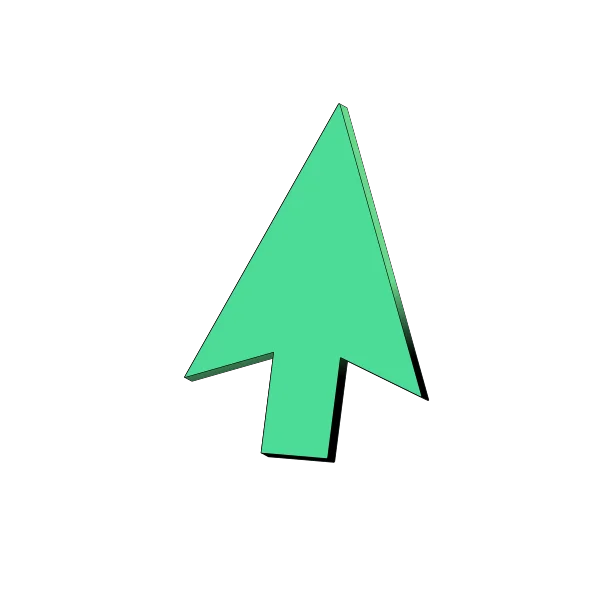
Isometric Cursor Illustration
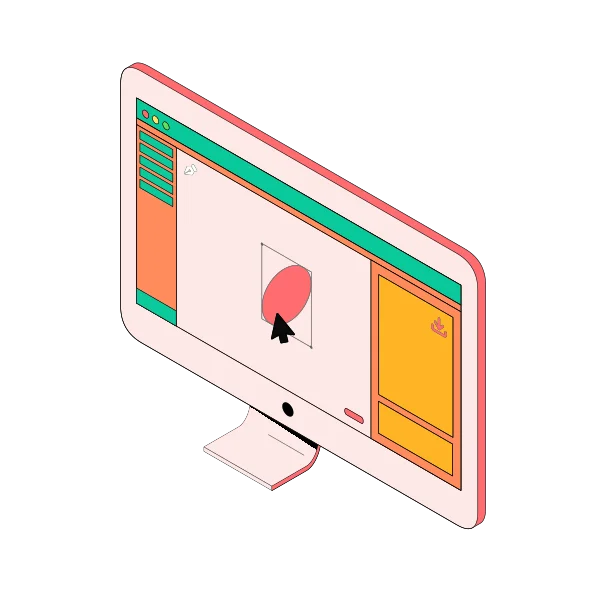
An isometric cursor graphic for interface, interaction, click and product walkthrough visuals.
Download the SVG for the standalone asset, or build a larger scene in the isometric illustration maker.
Interface
An isometric cursor graphic for interface, interaction, click and product walkthrough visuals.
Download the SVG for the standalone asset, or build a larger scene in the isometric illustration maker.
Common uses
Customize it
Use the cursor with interface cards, buttons, screens and text to show clicks, product interactions or guided workflows.
Open the editorKeep browsing